Microsoft Word vs Google Docs: Why Word Wins for Professional Business Documents
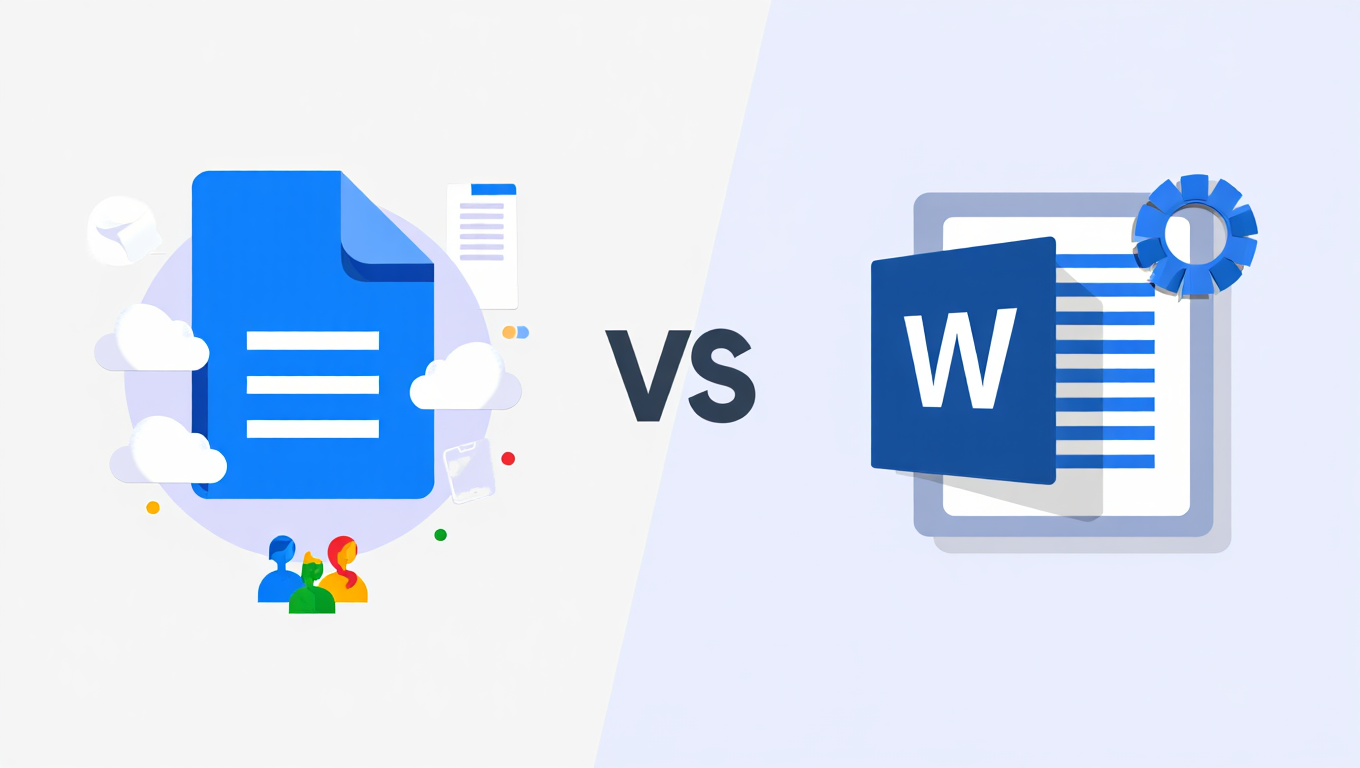
When it comes to creating business documents, the choice between Microsoft Word and Google Docs might seem like a simple matter of personal preference. After all, both tools let you write, edit and collaborate. But for businesses that need to maintain brand consistency, create professional templates, and produce polished documents at scale, the decision matters more than you think.
We've worked with hundreds of corporate teams who've wrestled with this choice. Some started with Google Docs because it was free and easy. Many switched to Microsoft Word once they realised what they were missing. Here's why Microsoft Word remains the superior choice for professional business communications in 2025.
The Professional Polish That Google Docs Can't Match
Professional Microsoft Office templates require more than basic formatting. They need sophisticated styling, precise brand control, and the kind of polish that makes clients take notice.
Microsoft Word delivers this in ways Google Docs simply can't. The desktop application offers advanced typography controls, custom paragraph spacing, and professional-grade formatting options that make your documents look exactly how they should. When you're preparing investor presentations, annual reports, or client proposals, these details matter.
Google Docs provides basic formatting. It works perfectly well for internal memos or quick collaborative drafts. But try creating a complex branded document template with multiple styles, custom headers and footers, and precise layout control. The limitations become apparent very quickly.
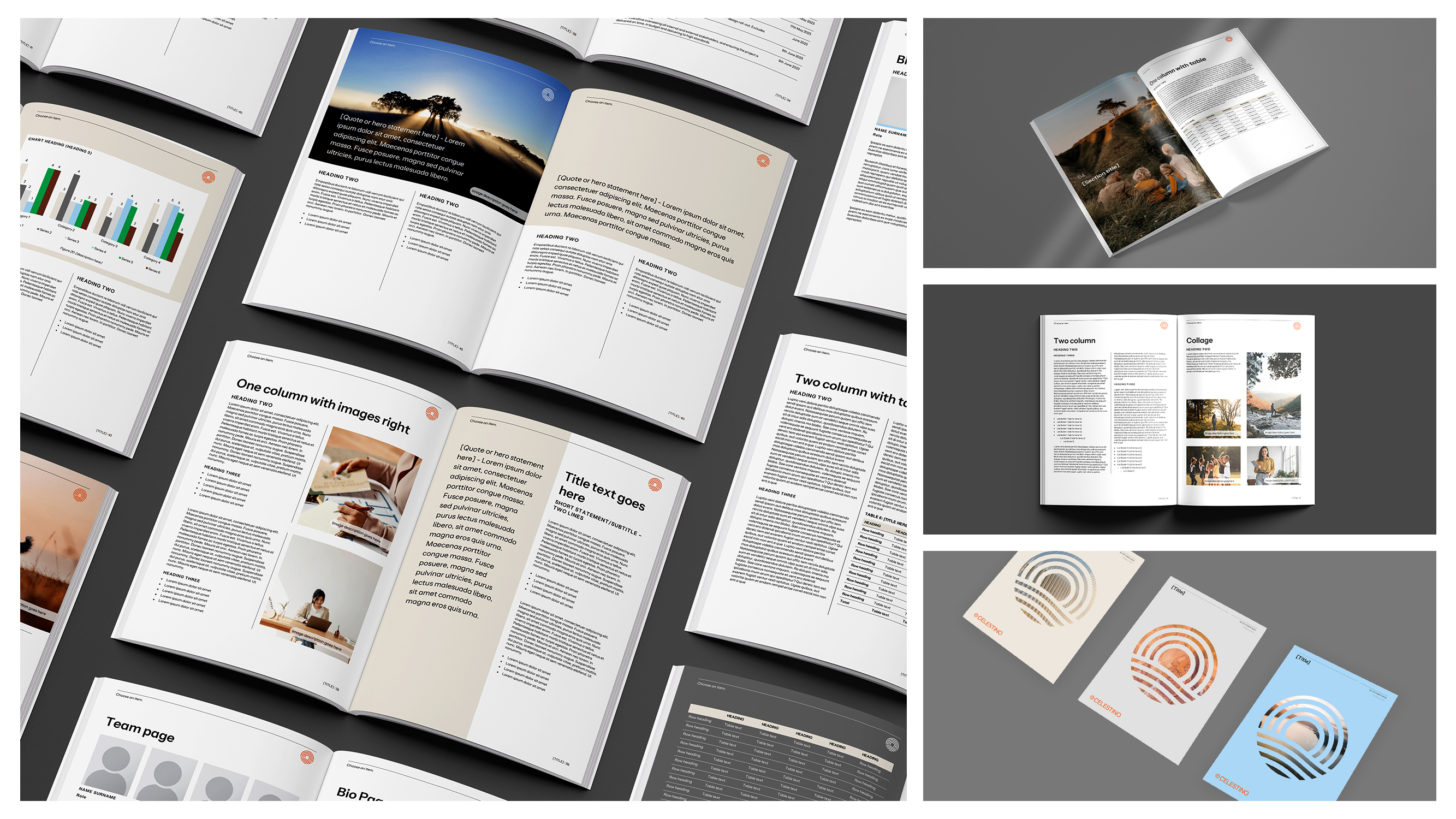
The template library tells the story. Microsoft Word offers hundreds of professionally designed templates for business documents, from detailed reports to formal letters. These templates include sophisticated styling, automated content blocks, and the kind of professional polish your brand deserves. Google Docs templates feel basic by comparison - functional but limited. A bit like Word "Lite".
Brand Consistency Isn't Optional
Your documents represent your business. Every proposal, every report, every contract carries your brand identity. And this is where Microsoft Word's template capabilities become really important.
Custom Microsoft Word templates for business lock in your brand guidelines. Fonts, colours, logos, spacing - everything stays consistent across your entire organisation. Headers and footers maintain their placement. Styles remain uniform. Document structure stays standardised.
With Google Docs, maintaining this consistency becomes a constant battle. Files convert between formats with unexpected formatting changes. Complex layouts shift. Custom fonts sometimes don't display correctly. For businesses that need reliable, professional branding across all communications, these inconsistencies create problems.
Microsoft 365 template solutions integrate seamlessly with your business's ecosystem. Templates can be stored centrally, updated organisation-wide, and deployed consistently across teams. This level of corporate template management simply isn't possible with Google's platform.
The Power Features That Make Work Faster
Professional document template design requires tools that go beyond basic word processing. Microsoft Word delivers automation, customisation, and professional features that save time while maintaining quality.
Mail merge alone justifies the choice for many businesses. Need to create personalised client letters, customised proposals, or individualised reports at scale? Word's mail merge connects to your data sources and generates professional documents automatically. Google Docs requires third-party add-ons for similar functionality, and the results rarely match Word's sophistication.
Macros and automation transform how teams work. Repetitive formatting tasks become one-click operations. Complex document assembly becomes streamlined. Document compliance and standardisation happen automatically. These aren't luxury features - they're essential tools for businesses that create documents at scale.
Styles and formatting controls in Word operate at a professional level. Create complex style hierarchies. Apply formatting consistently across lengthy documents. Build automated tables of contents. Generate cross-references that update automatically. Google Docs offers basic styling, but it lacks the depth professional documents require.
File Compatibility and Format Control
Here's a reality most businesses discover eventually: the business world runs on Microsoft Office file formats. Clients expect .docx files. Partners send Word documents. Industry-standard contracts arrive as Word files.
Microsoft Word handles these formats natively. Files maintain their formatting. Complex layouts stay intact. Collaborative edits preserve document structure. When you work primarily in Word, compatibility isn't a concern.
Google Docs creates compatibility challenges. Converting between formats introduces formatting inconsistencies. Complex documents with precise layouts often break during conversion. Shared files with external partners may not display correctly. For professional communications, these issues create unnecessary complications.
Branded Office templates designed in Word remain consistent across all versions and platforms. The same template looks identical whether opened in Word 2019, Microsoft 365, or Word for Mac. This consistency matters when your documents represent your organisation.
Offline Capability for Professional Reliability
Internet connections fail. Networks go down. Client meetings happen in locations with limited connectivity. Professional work can't wait for the internet to cooperate.
Microsoft Word functions fully offline. Every feature remains available. Complex documents open instantly. Formatting tools work without hesitation. Changes save locally then sync when connectivity returns. This reliability matters in professional environments.
Google Docs requires internet connectivity for full functionality. Yes, offline mode exists, but it requires advanced setup and offers limited features. For businesses that need reliable access to professional document creation tools, this dependency creates unnecessary risk.
The Security and Compliance Advantage
Corporate documents contain sensitive information. Client details, financial data, strategic plans - professional Microsoft templates need enterprise-grade security that protects your organisation.
Microsoft 365 delivers document-level encryption, role-based access controls, and compliance tools that meet regulatory requirements. Documents can be protected, tracked, and controlled throughout their lifecycle. For businesses in regulated industries, these security features aren't optional.
Google Workspace offers security features, but Microsoft's enterprise focus shows in the depth of available controls. Data loss prevention, advanced threat protection, and compliance monitoring integrate seamlessly with Word documents. These tools matter when your documents contain confidential information.
Storage, Synchronisation, and Enterprise Management
Professional document template design requires robust storage and management capabilities. Microsoft 365 integrates Word with OneDrive and SharePoint, creating a comprehensive document management ecosystem.
SharePoint enables centralised template libraries where businesses store, version control, and distribute Professional Microsoft Office templates across teams. Updates deploy automatically. Access controls maintain security. Version history tracks changes. This level of enterprise template management transforms how businesses maintain consistency.
Google Drive provides storage and sharing, but lacks the sophisticated document management capabilities that professional businesses require. Template distribution becomes manual. Version control requires workarounds. Enterprise-wide updates demand individual file replacement.
Integration with Professional Workflows
Corporate document workflows extend beyond writing. They connect to project management, customer relationship systems, and business intelligence tools.
Microsoft Word integrates natively with the Microsoft 365 ecosystem. Power Automate enables sophisticated document workflows. Integration with Teams streamlines collaboration. Connection to Excel brings data into documents seamlessly. Links to Power BI embed live dashboards in professional reports.
These integrations matter because professional work happens across multiple platforms. When your document creation tool connects naturally to your other business systems, workflows become more efficient. Google Docs offers some integrations, but the depth and sophistication of Microsoft's ecosystem shows in daily use.
The Template Sophistication Your Organisation Needs
Premium PowerPoint designs and custom presentation design services extend to Word documents. The same principles of professional branding, sophisticated layout, and polished appearance apply to business documents.
Microsoft Word supports this level of customisation. Custom Microsoft Word templates for business can include advanced automation, complex conditional formatting, and sophisticated visual design. Placeholder fields update automatically. Repeated elements maintain consistency. Document assembly happens through elegant, user-friendly interfaces.
Google Docs templates feel basic because they are basic. The platform wasn't designed for sophisticated template development. It works well for simple documents, but corporate template packages require capabilities Google doesn't provide.
When Google Docs Makes Sense
Google Docs serves specific purposes well. Quick collaborative drafts benefit from real-time co-editing. Simple internal documents need minimal formatting. Teams working primarily on mobile devices appreciate cloud-native design.
For professional external communications, branded templates, and sophisticated document creation, Microsoft Word remains the better choice.
The Investment in Professional Document Creation
Yes, Microsoft 365 requires subscription fees while Google Docs comes free with Google accounts. But viewing this as simply a cost comparison misses the larger picture.
Professional document creation affects how clients perceive your organisation. Consistent branding strengthens your market position. Efficient template systems save hours across your team. Advanced automation reduces errors and speeds document production.
The investment in Microsoft Word pays returns through improved efficiency, enhanced professionalism, and reduced rework. For organisations that take their brand seriously, the cost difference disappears against the value delivered.
Making the Right Choice for Your Business
The best tool depends on your needs. Small teams doing primarily internal collaborative work might find Google Docs sufficient. But businesses that need professional document templates, consistent branding, and sophisticated document production capabilities need Microsoft Word.
Professional Microsoft Office templates require the advanced features, formatting control, and enterprise capabilities that only Word provides. If your documents represent your organisation to clients, partners, and stakeholders, choosing the right platform matters.
Transform Your Document Creation
Choosing Microsoft Word is the first step. Making it work efficiently for your business requires properly designed templates, thoughtful automation, and strategic implementation.
This is what we do at Ideaseed. We specialise in creating custom Microsoft Word templates for business that transform how companies create documents. Our templates combine sophisticated design with practical functionality, saving time while ensuring every document maintains your brand standards.
Whether you need comprehensive corporate template packages, automated document assembly systems, or professional Word template training for your team, we can help. Our experience designing branded Office templates for businesses across industries means we understand both the technical capabilities and the practical requirements.
Ready to see what properly designed Microsoft Word templates can do for your organisation? Take our free template audit. We'll assess your current templates and show you exactly how much time and consistency you're leaving on the table. Or get in touch directly to discuss how we can transform your document creation workflows.
FAQs
Can Google Docs files be converted to Word without formatting issues?
Basic documents convert reasonably well between formats. Complex layouts, custom fonts, precise spacing, and advanced formatting often experience issues during conversion. For professional documents requiring format consistency, working natively in Word eliminates these complications.
Does Microsoft Word support real-time collaboration like Google Docs?
Yes, Microsoft Word in Microsoft 365 offers real-time co-authoring similar to Google Docs. Multiple users can edit simultaneously with changes appearing instantly. Comments, track changes, and version history provide comprehensive collaboration tools that match or exceed Google's capabilities.
Are Microsoft Word templates compatible across different Office versions?
Word templates maintain compatibility across Office versions, though some advanced features may require recent releases. Templates designed for Microsoft 365 work across Windows and Mac platforms with consistent formatting and functionality.
Can organisations restrict editing in Microsoft Word templates like in Google Docs?
Yes, Microsoft Word provides sophisticated content controls and document protection features. Sections can be locked while leaving other areas editable. This enables template designs where users can only modify specific fields while protecting formatting and branding elements.
How difficult is it to migrate from Google Docs to Microsoft Word?
The technical migration involves converting files and adjusting workflows. The larger challenge is template redesign and team training. Working with Microsoft template specialists streamlines this transition, ensuring templates capture full Word capabilities rather than simply converting existing basic formats.

RAVE REVIEWS
who we work with


.svg)
.svg)
.svg)
.svg)


%20(2).avif)



.svg)